01
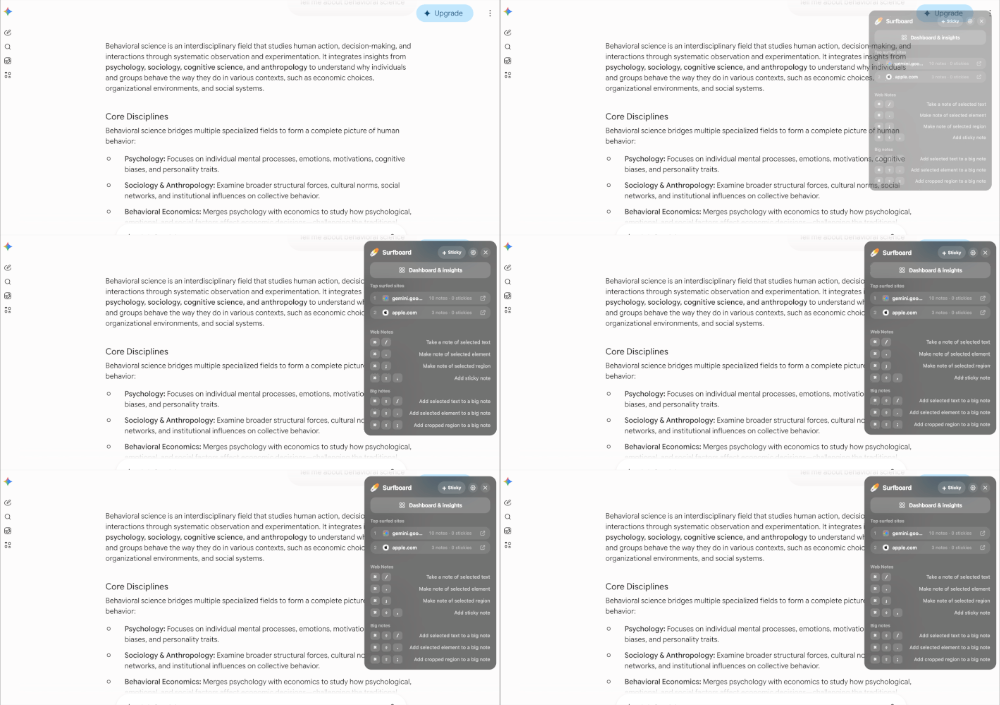
Extension popover
Click the Surfboard icon for a glass command center — shortcuts, status, and quick capture without leaving the page.
Surfboard is a free browser extension and web clipper for note-taking while surfing the internet. Capture web notes from selected text, snap webpage elements, crop screenshot regions, and save page snippets with keyboard shortcuts. Add sticky notes on any website, build longer research with Big Notes, and keep browsing memory organized by site. Use Surfboard from the extension popover, floating action bubble, side panel, or right-click context menu. Your notes use secure local storage on your laptop — a privacy-first, no-signup productivity extension for students and researchers. Install Surfboard to highlight, clip, and remember what you browse without leaving the page.
Browser note taking extension, save notes from websites, sticky notes on websites, webpage screenshot crop tool, privacy-first browser extension, research notes while browsing, right click save note, no signup browser extension.

Surfboard
It remembers everything that you do on any website.
⌘ + /
Highlight anything on a page and capture it as a web note in one chord.
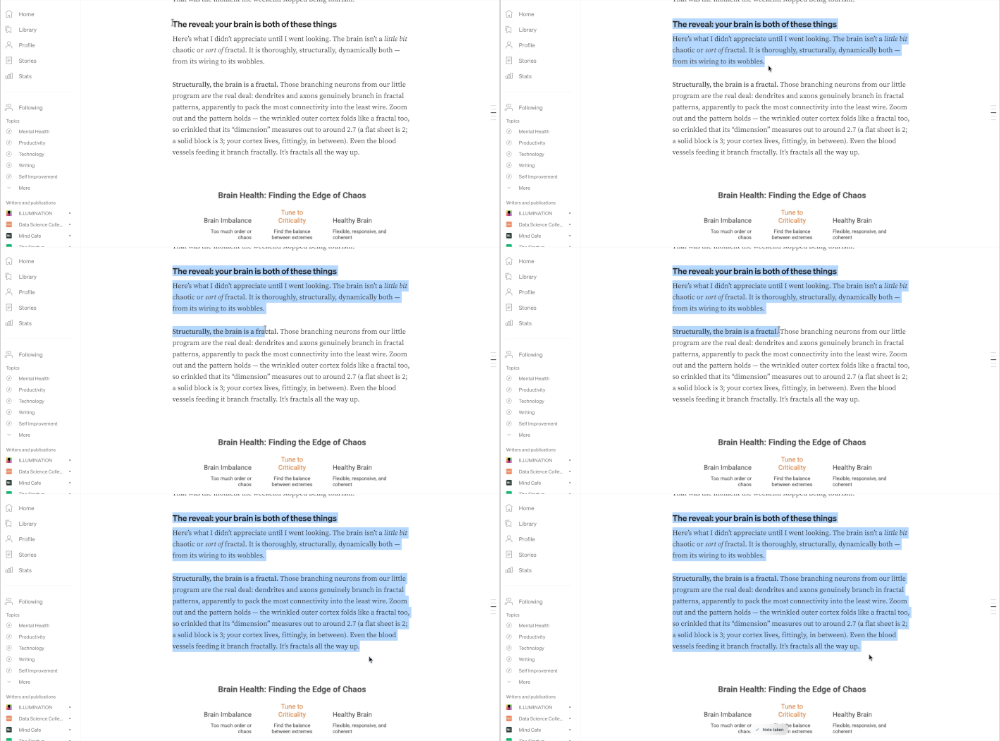
Use Surfboard from every angle web-app-manifest-512x512.png web-app-manifest-192x192.png site.webmanifest favicon.svg favicon.ico favicon-96x96.png apple-touch-icon.png, wherever you are on the page.
Click the Surfboard icon for a glass command center — shortcuts, status, and quick capture without leaving the page.
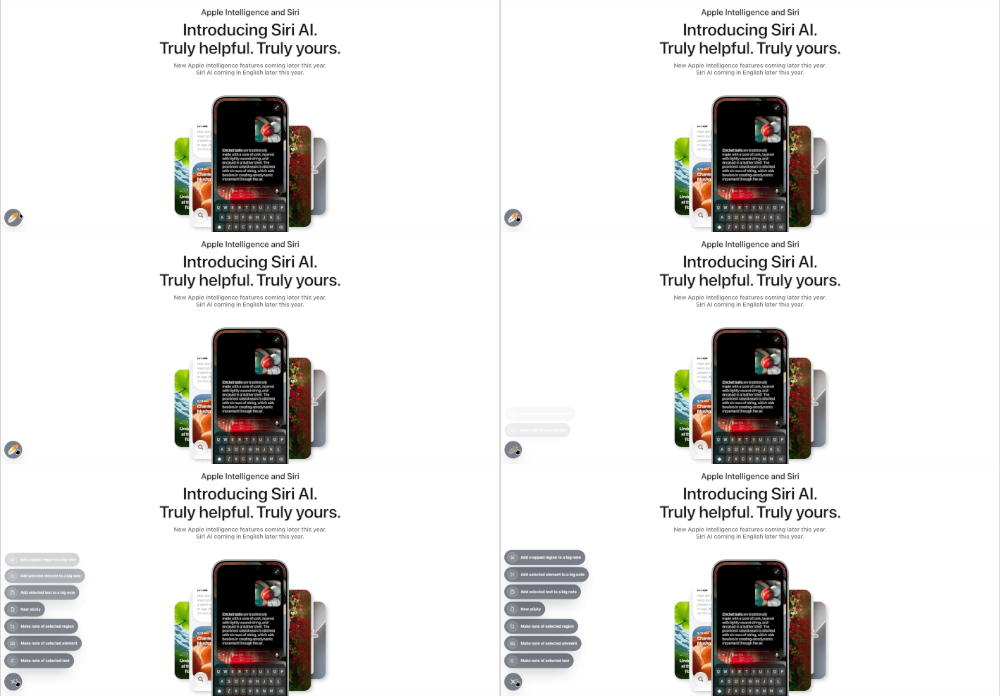
A floating bubble stays with you while you browse. One tap opens capture actions right where you’re surfing.
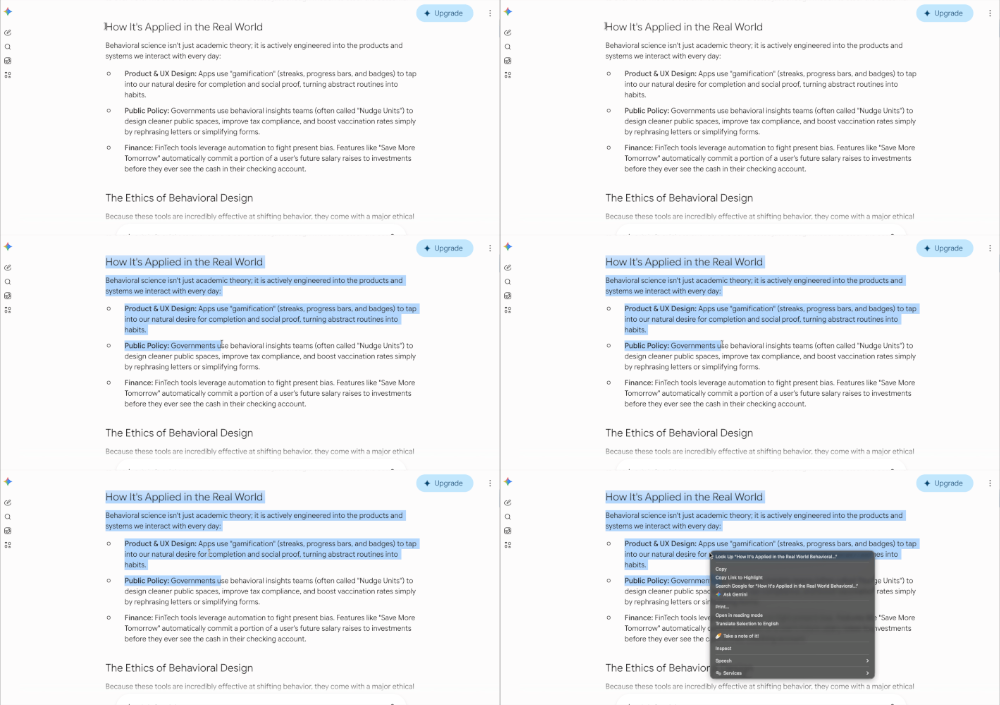
Select text, right-click, and take a note of it. Native and familiar — perfect when your hands are already on the mouse.
Privacy first
Private by design. Secure storage on your device — with no signup needed.
Stored in secure local storage on your machine — not the cloud.
Install and capture. No account. No wait.
What you note never leaves your laptop.
No signup needed. Install Surfboard and start capturing in seconds.